
Screenshots
The 4.7 admin, Core Commerce, migration workflow, theme customizer, and rendered frontend — captured from a clean local WordPress demo with fictional sample customer data.
The Core Forms workspace
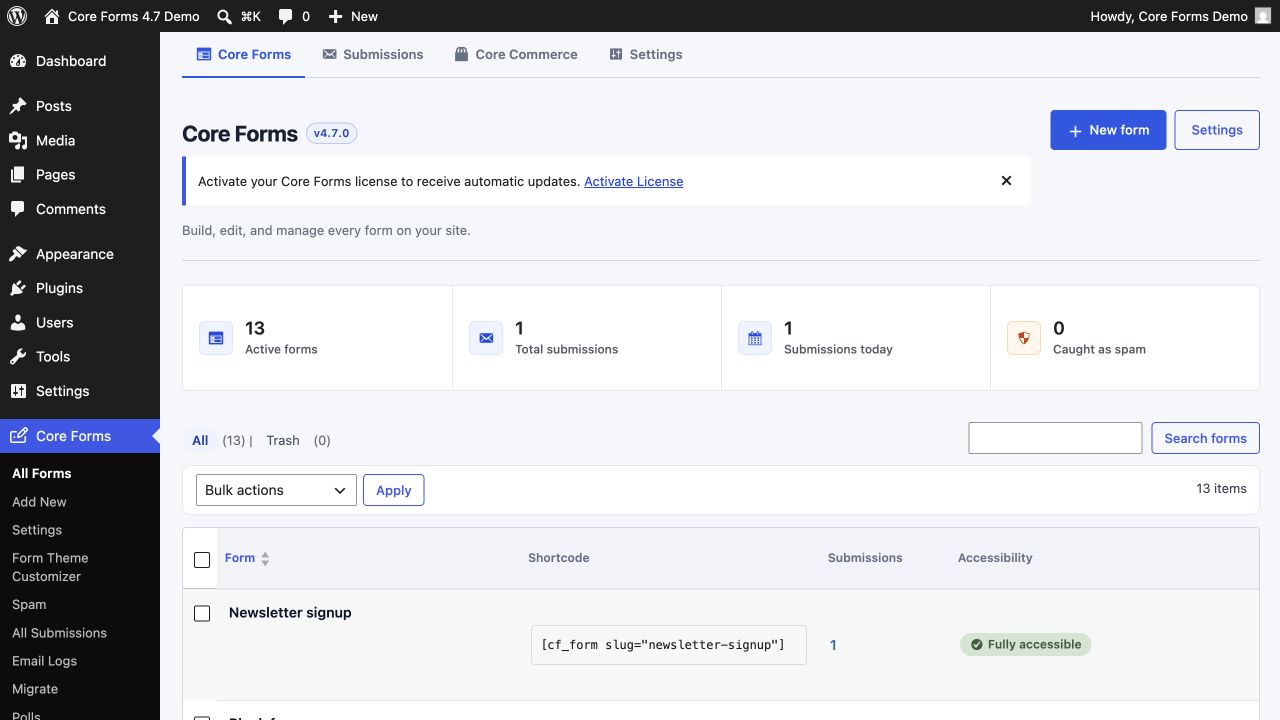
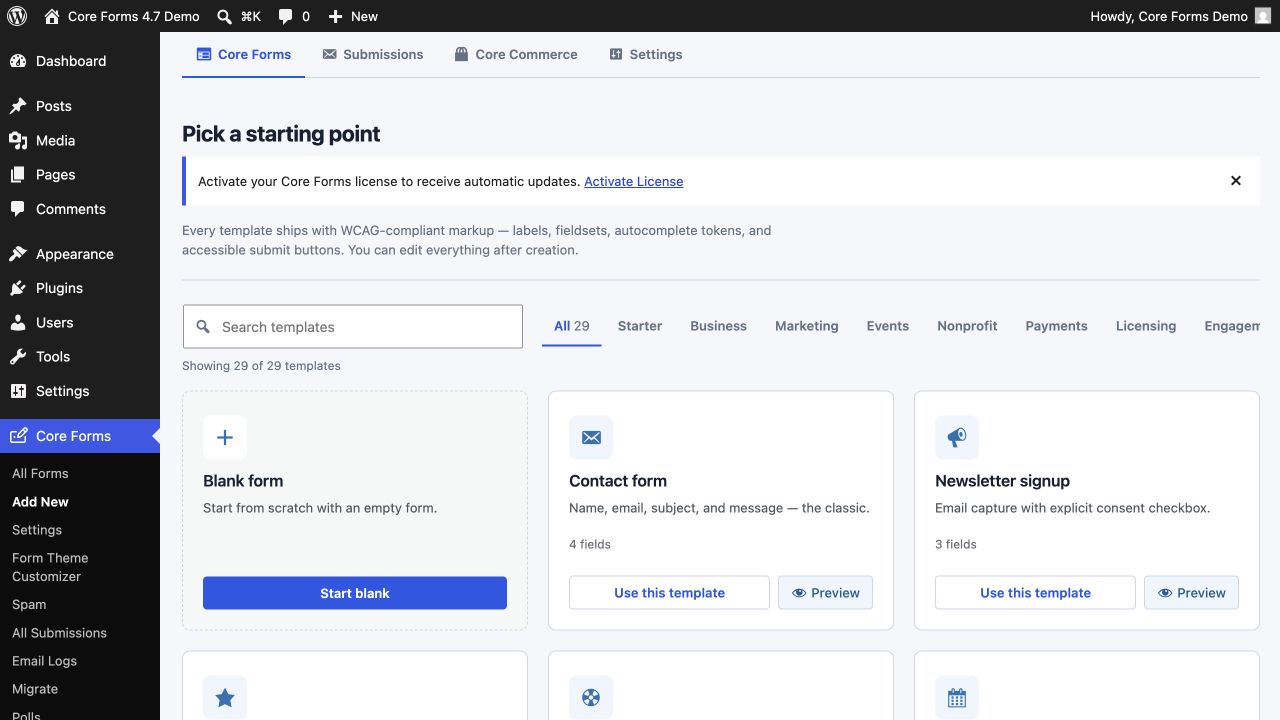
Version 4.7 puts forms, submissions, commerce, and settings in one compact product navigation. The forms view leads with useful totals and keeps creation, search, shortcodes, and accessibility status in context.
One form, focused tools
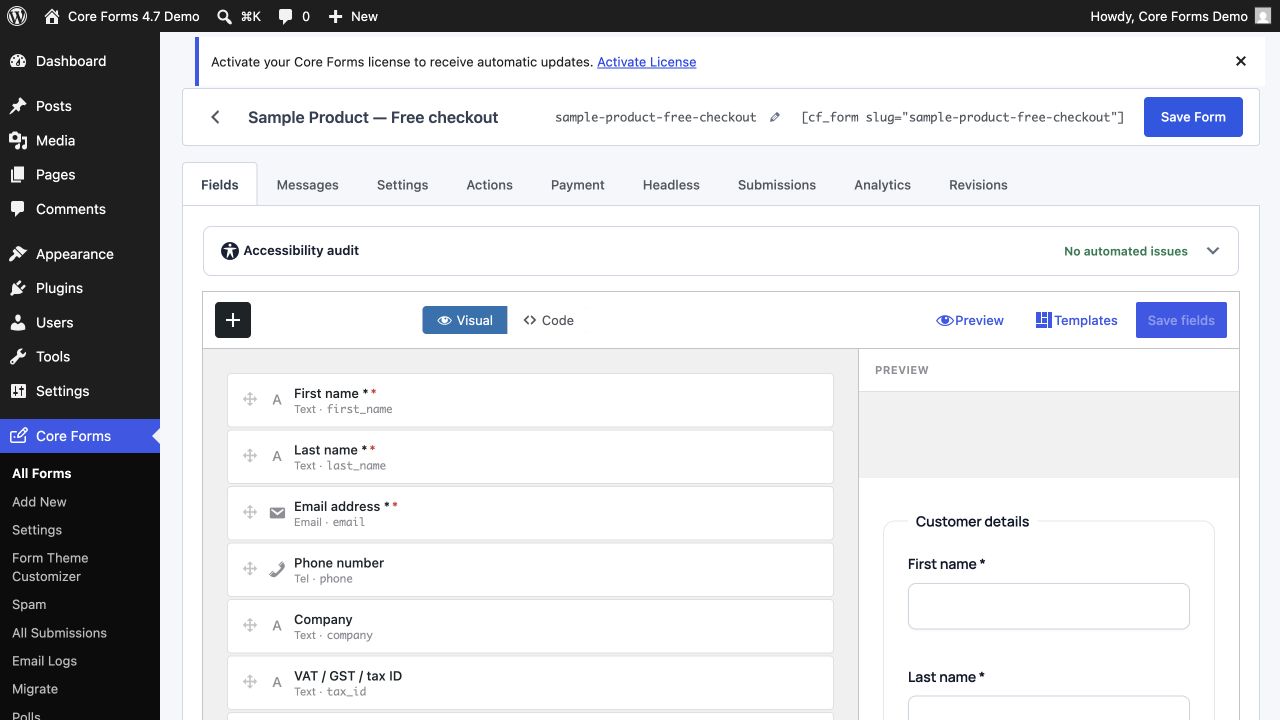
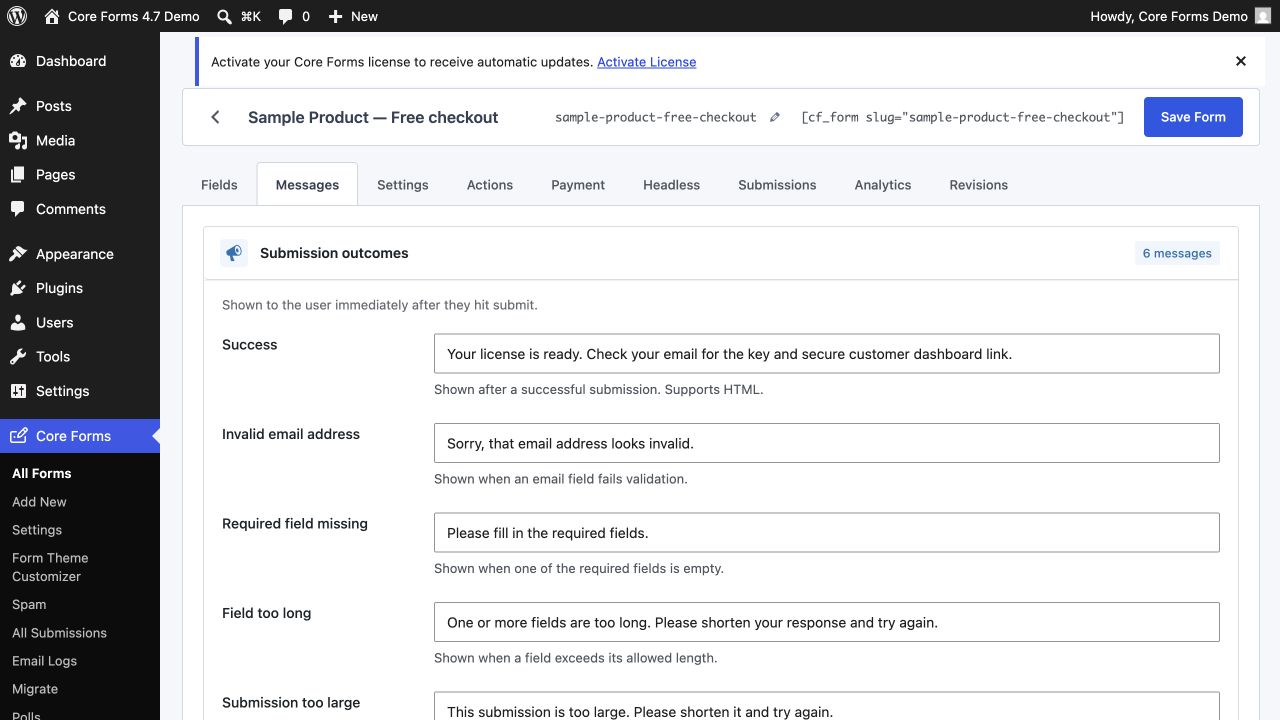
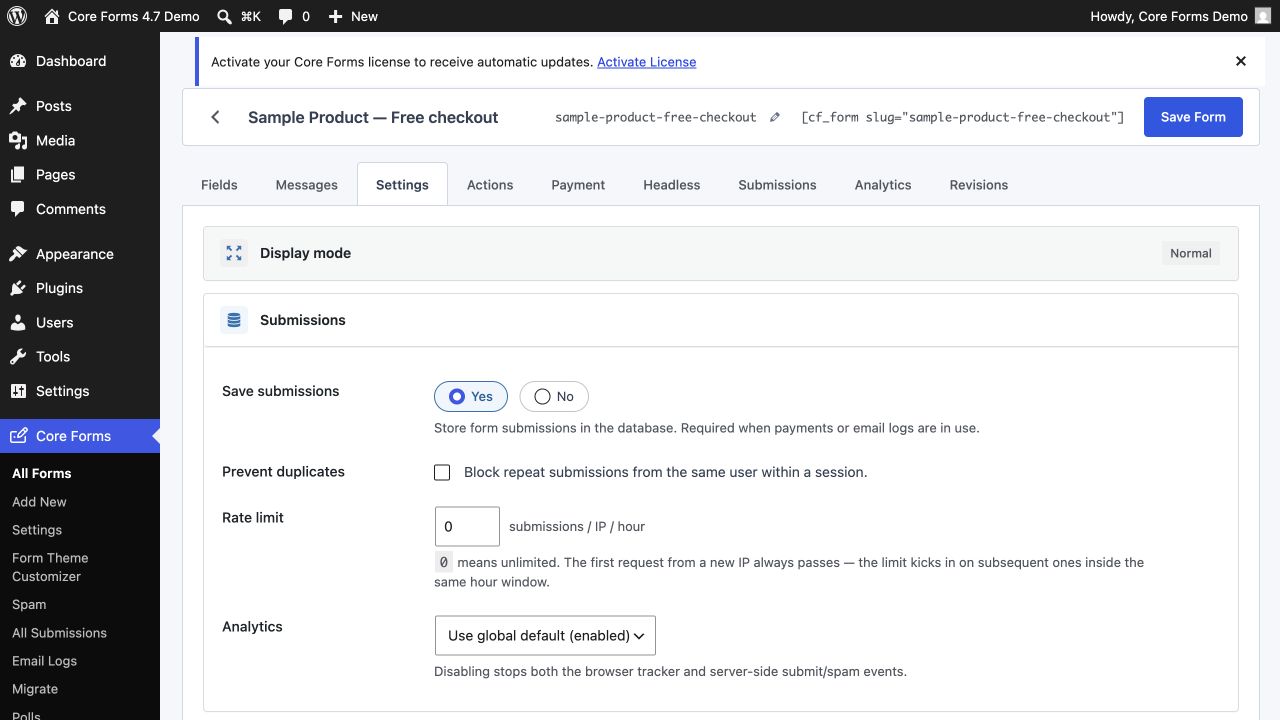
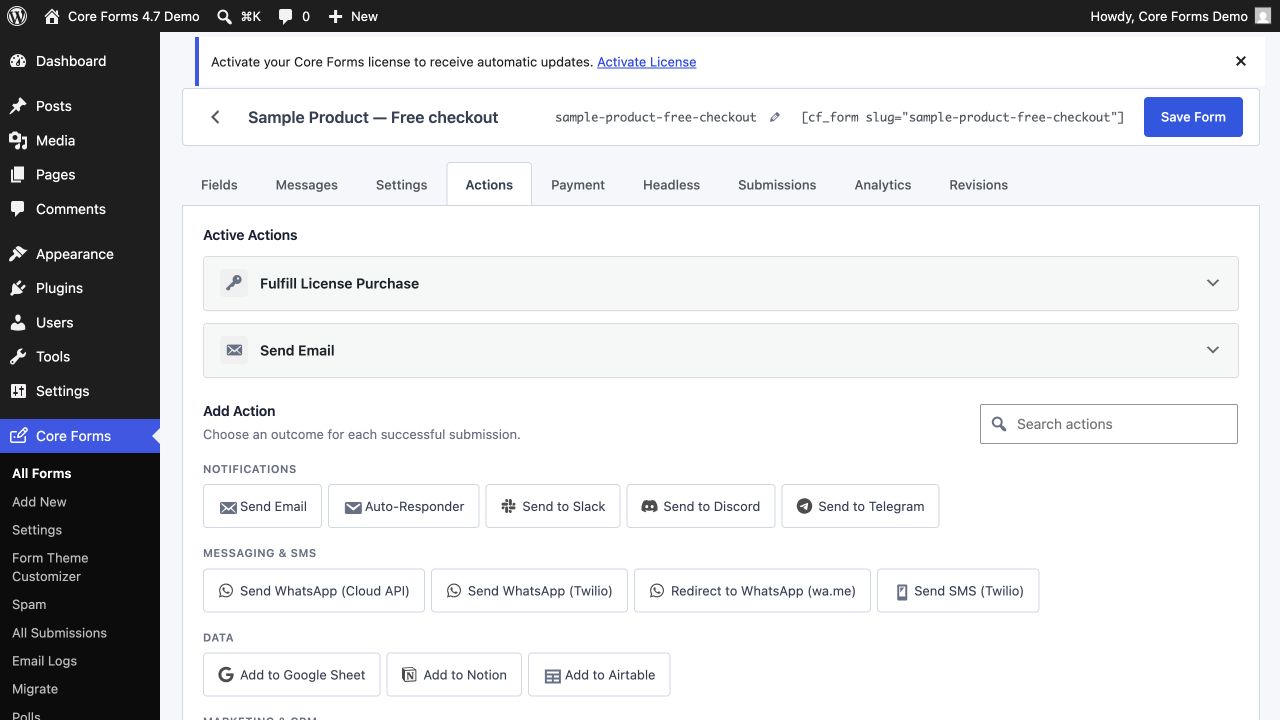
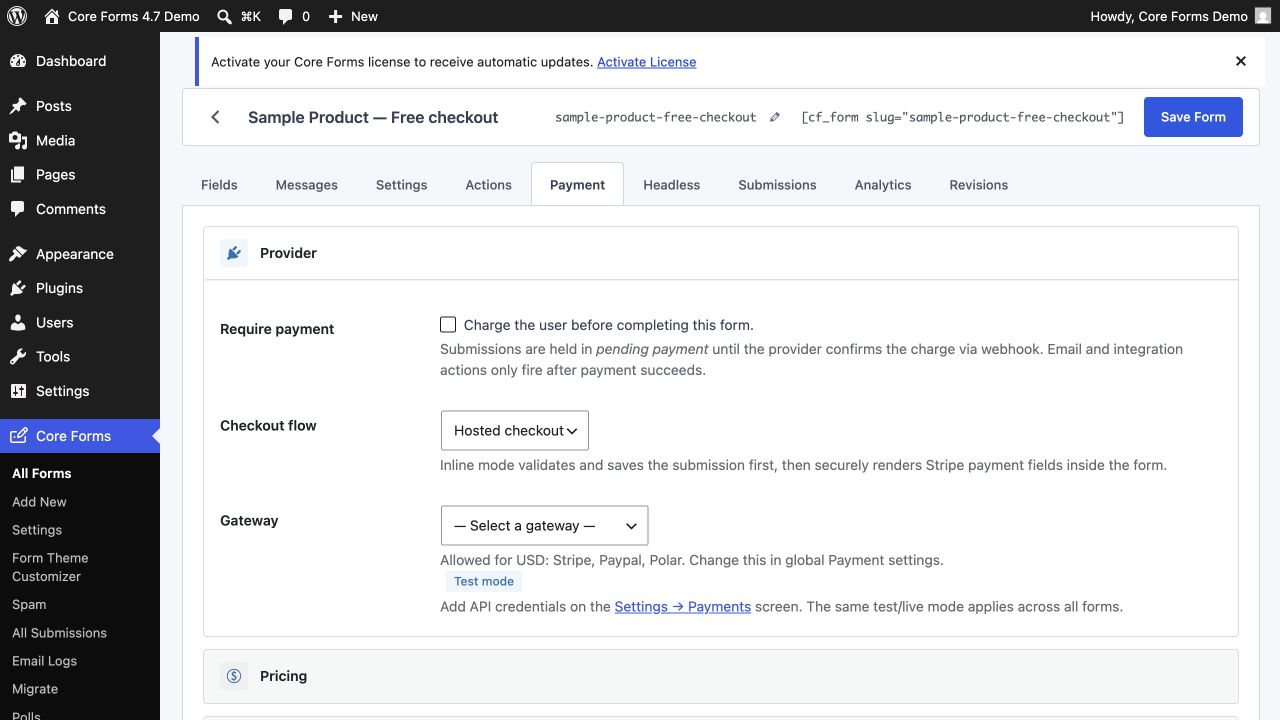
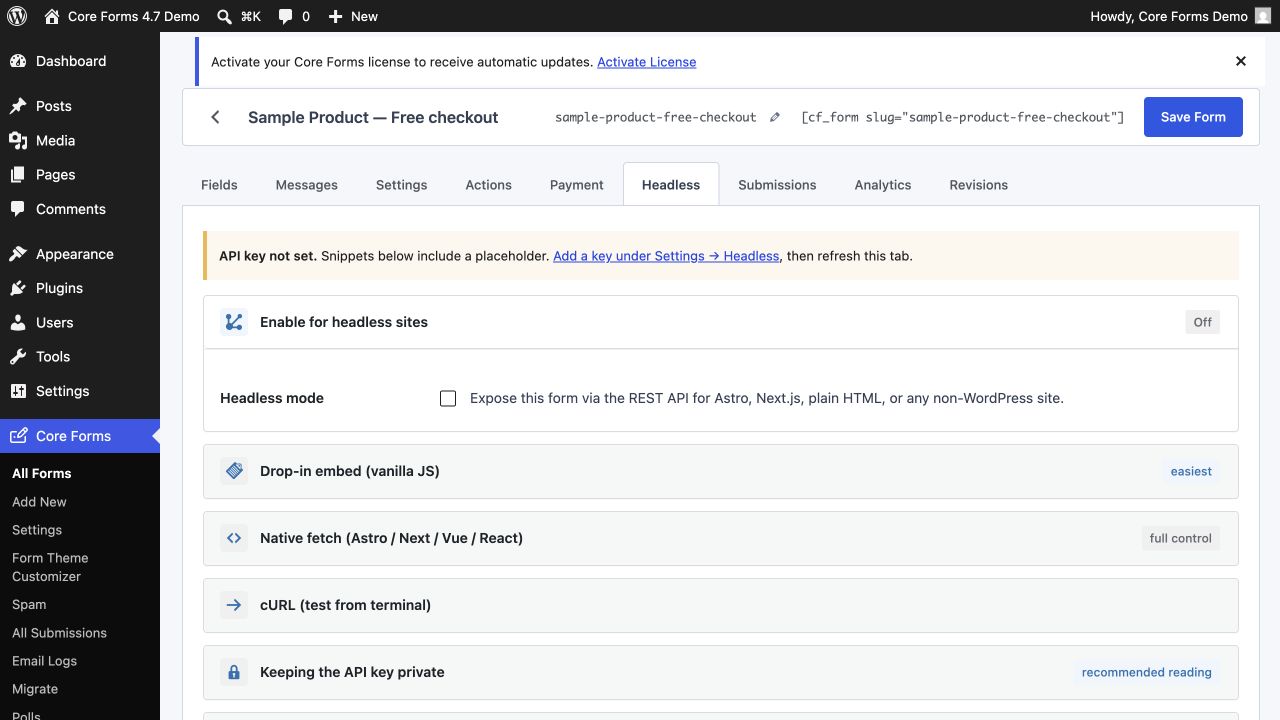
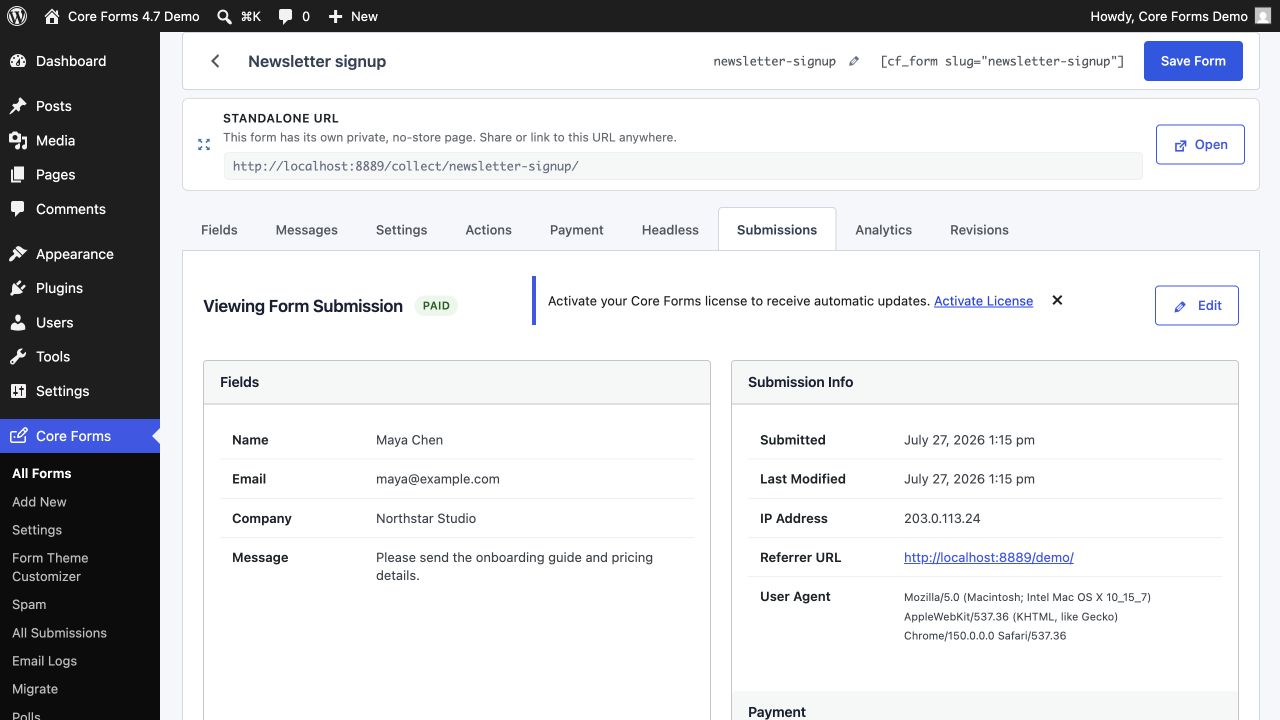
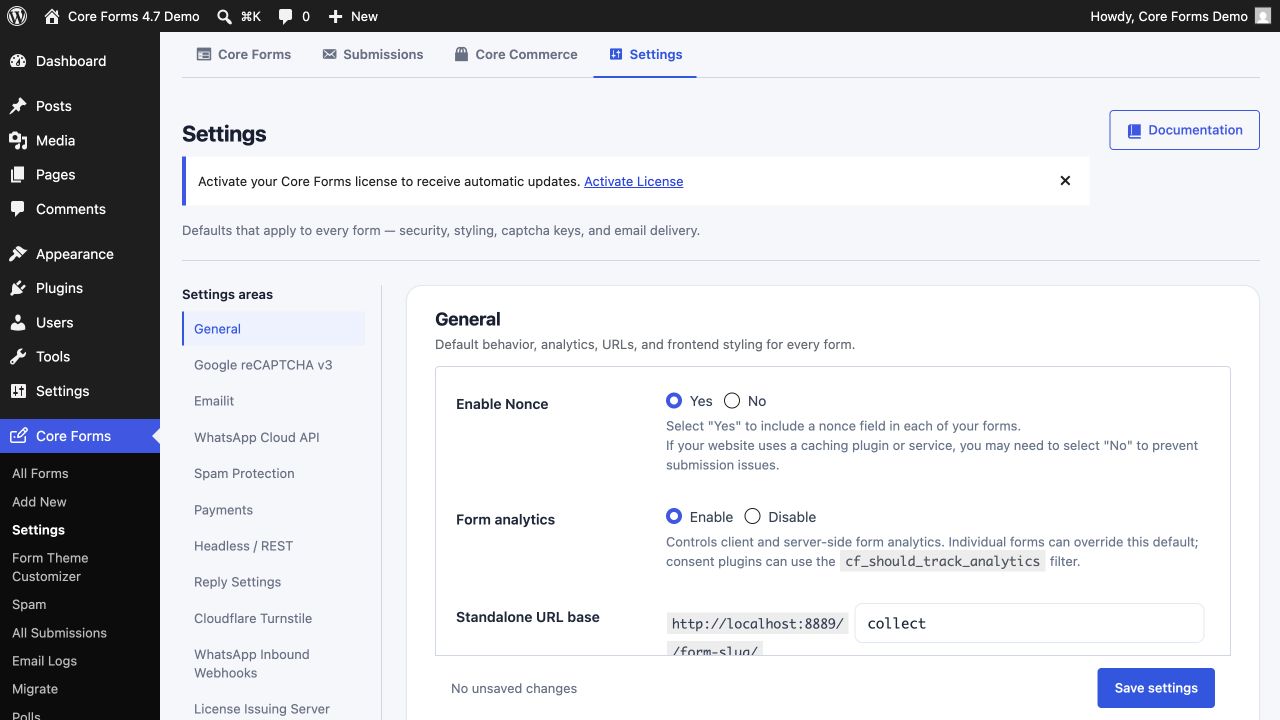
Each form keeps fields, copy, behavior, automation, payments, headless delivery, submissions, analytics, and revisions together. Save controls stay visible while narrow layouts stack instead of clipping.
Submissions and delivery
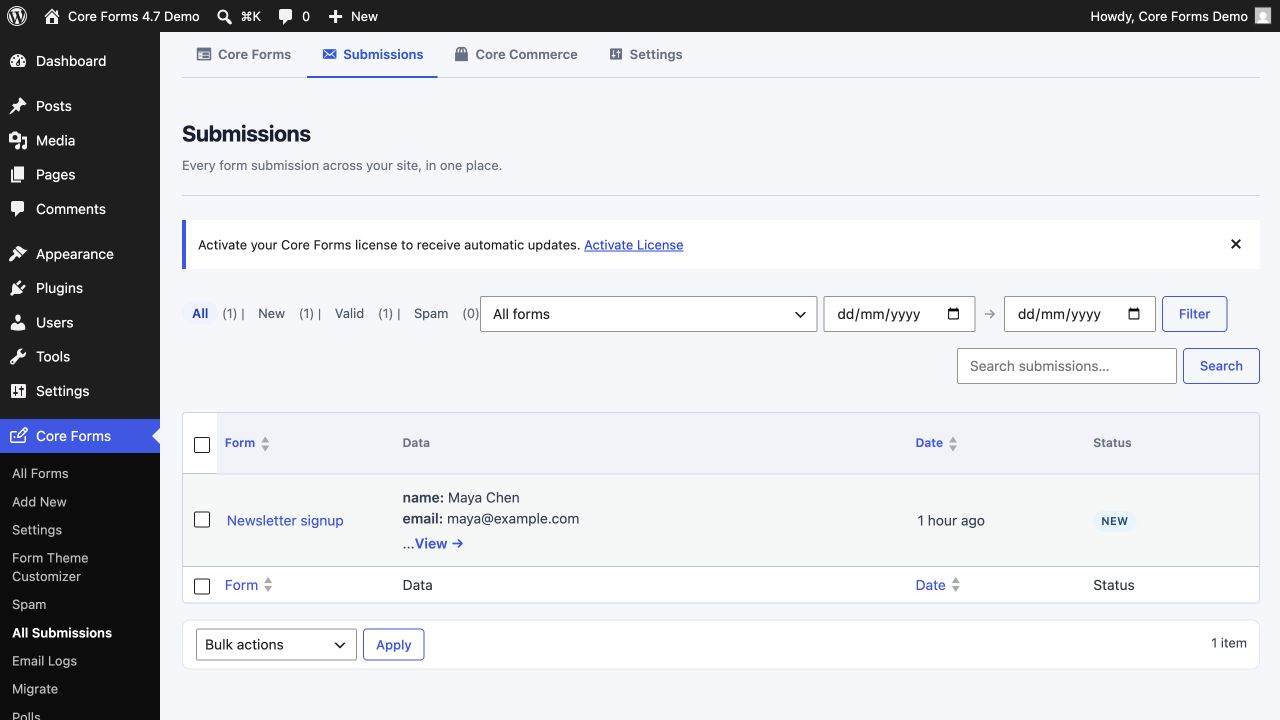
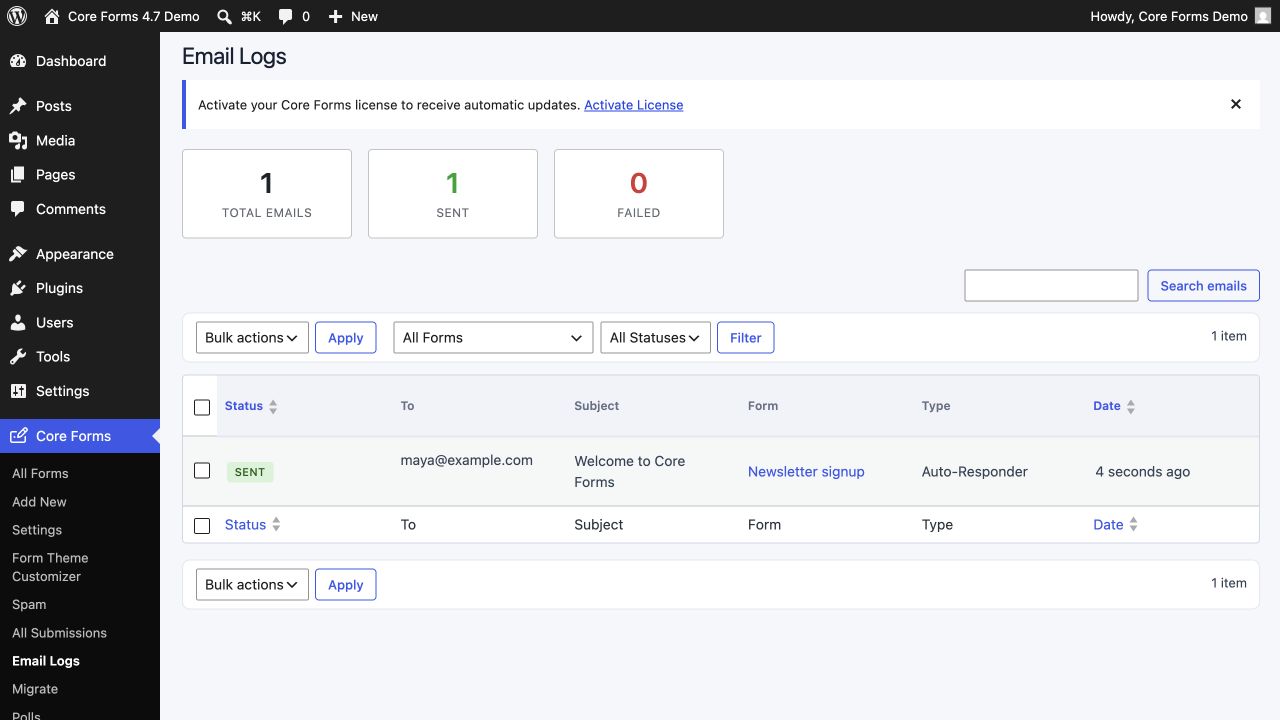
Scan all entries in a sortable table, work inside one form, inspect the full record, and verify notification delivery without switching products.
Design and migration
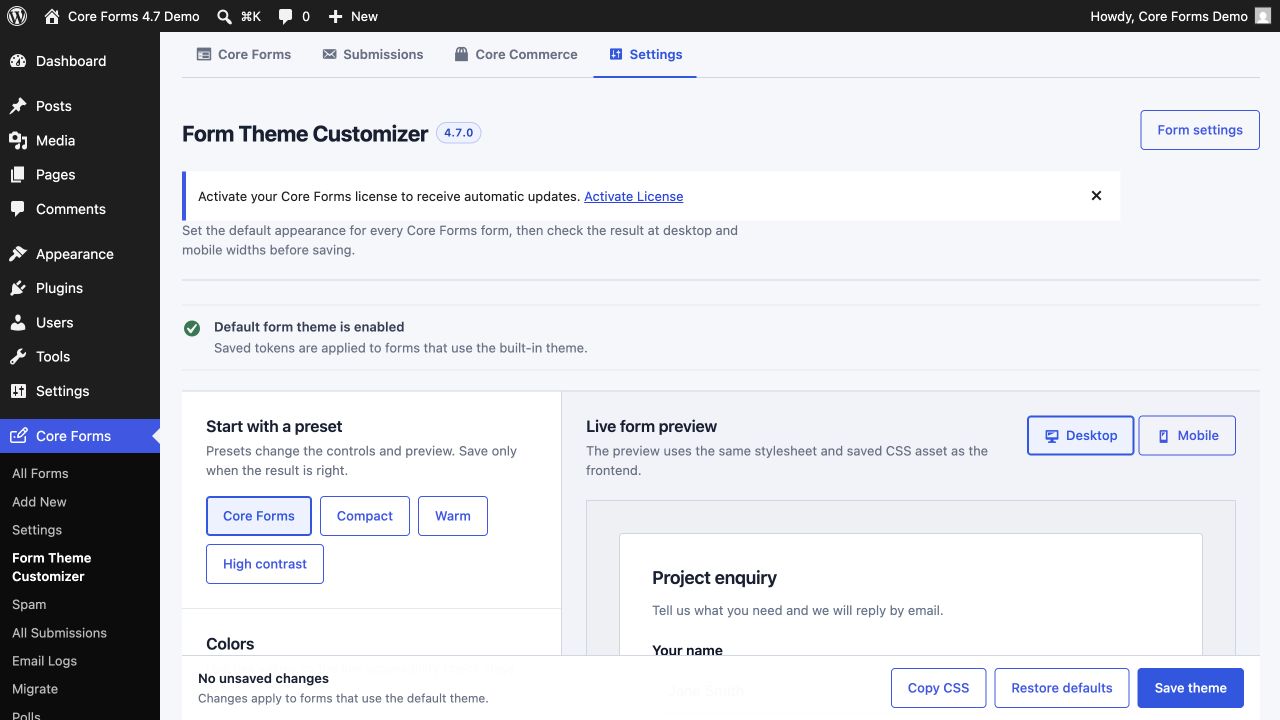
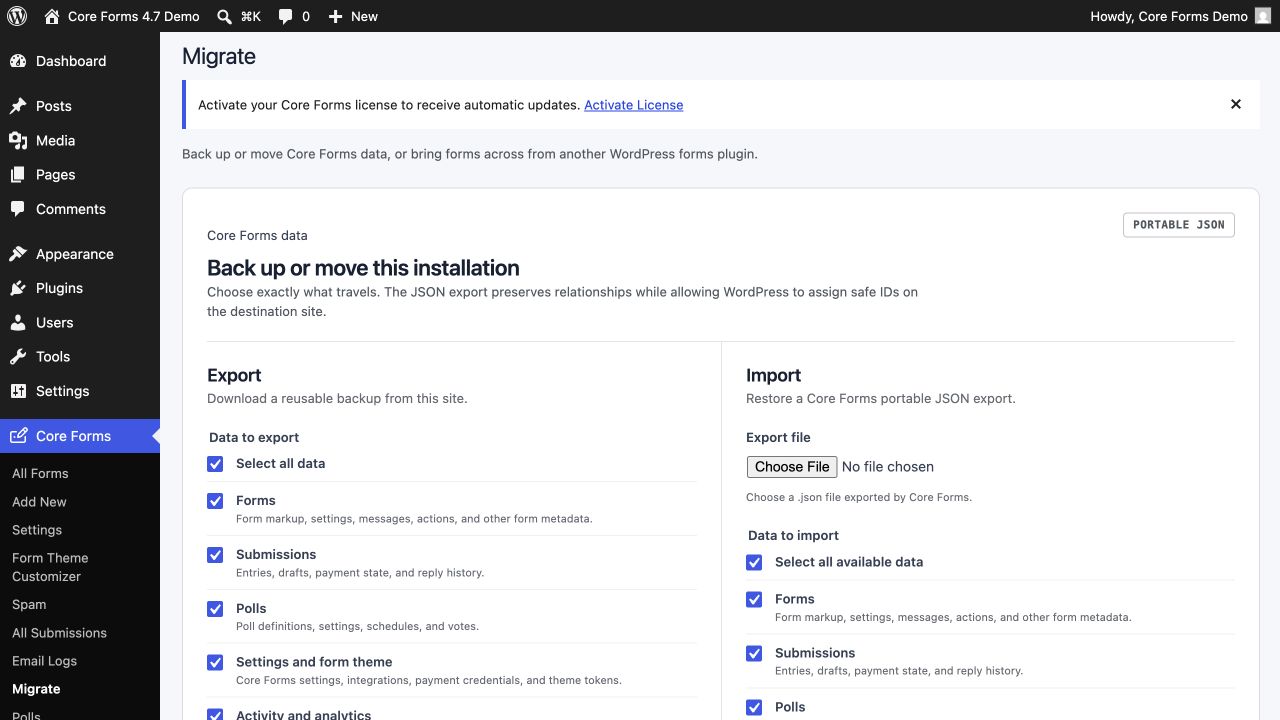
The Form Theme Customizer is now a dedicated workspace, while Migrate combines complete Core Forms backup and restore with six third-party form importers.
Core Commerce
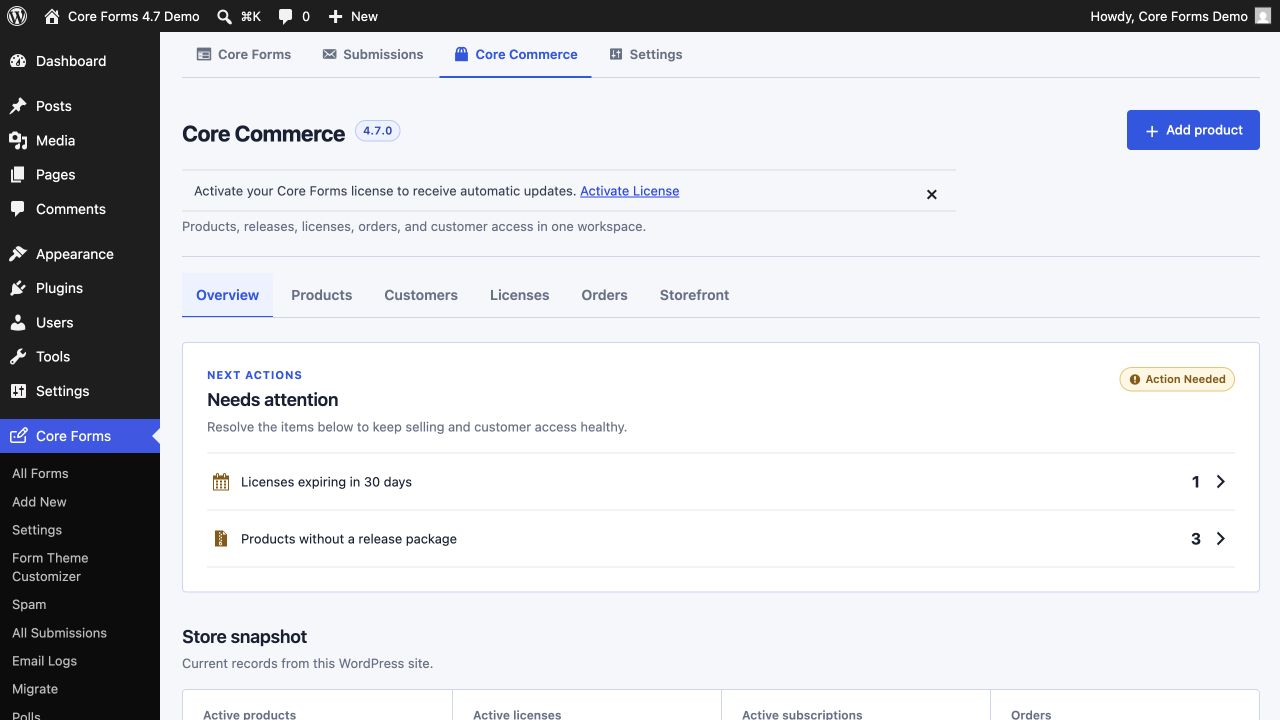
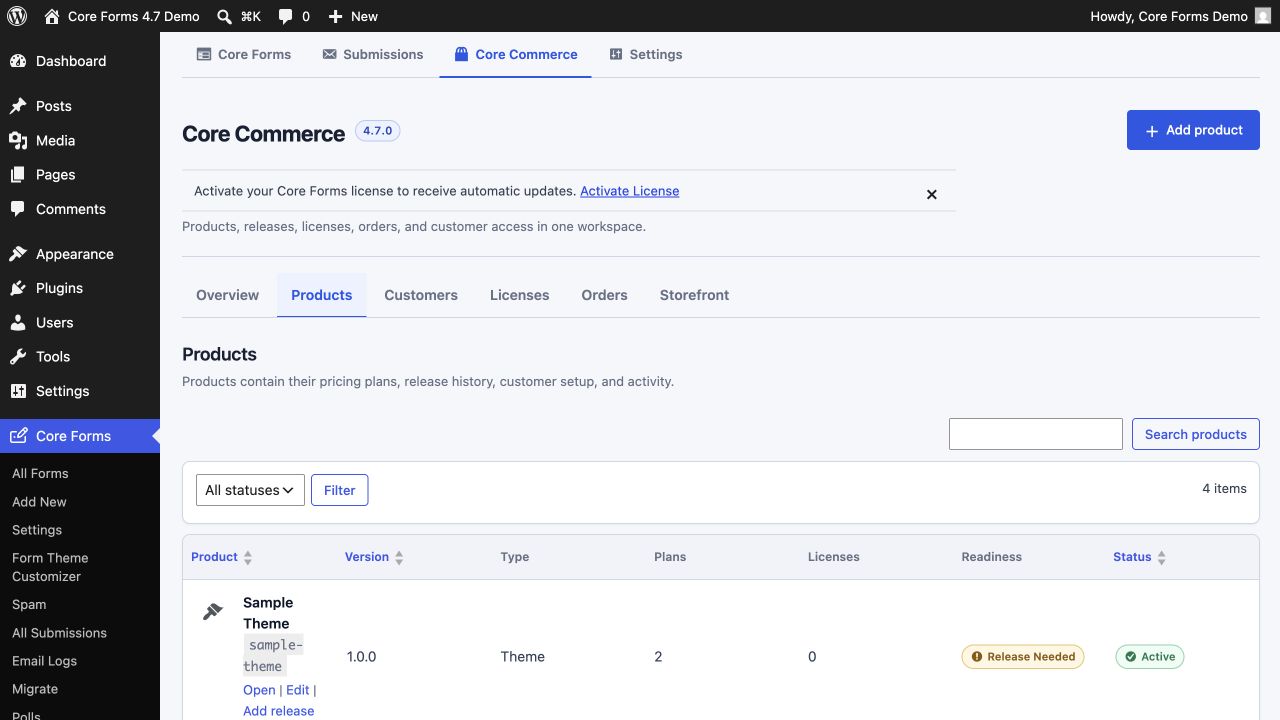
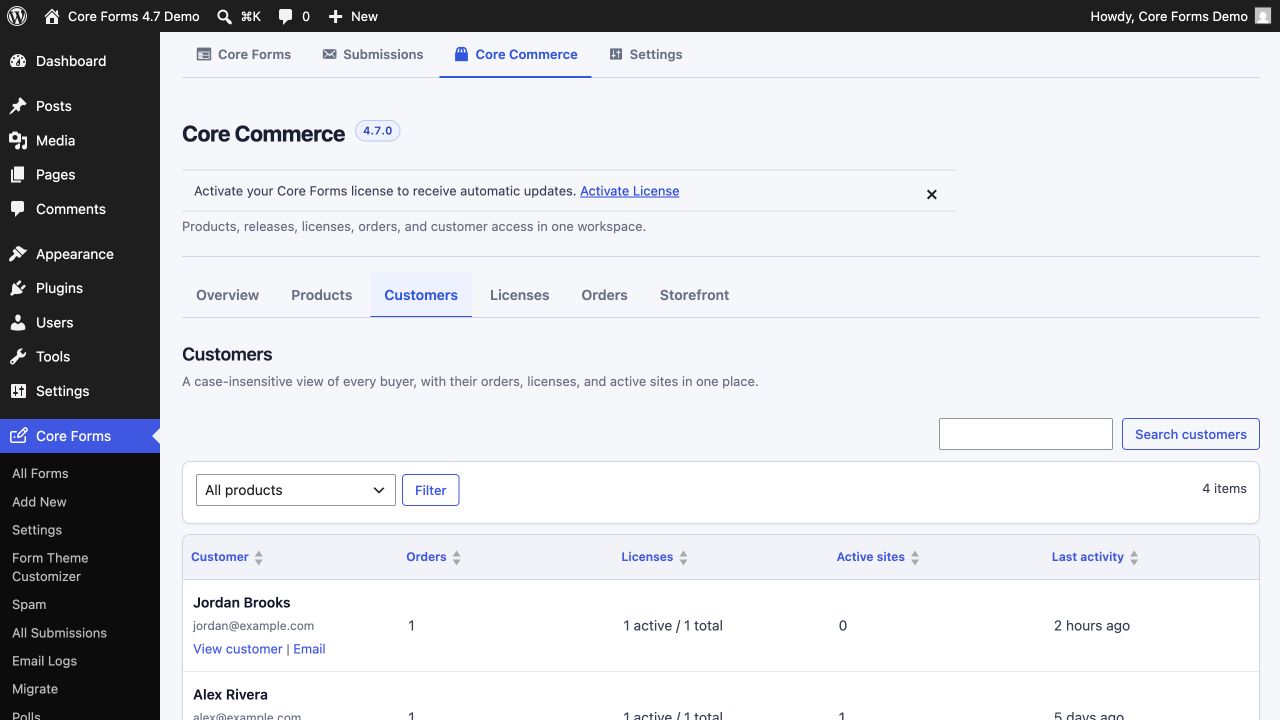
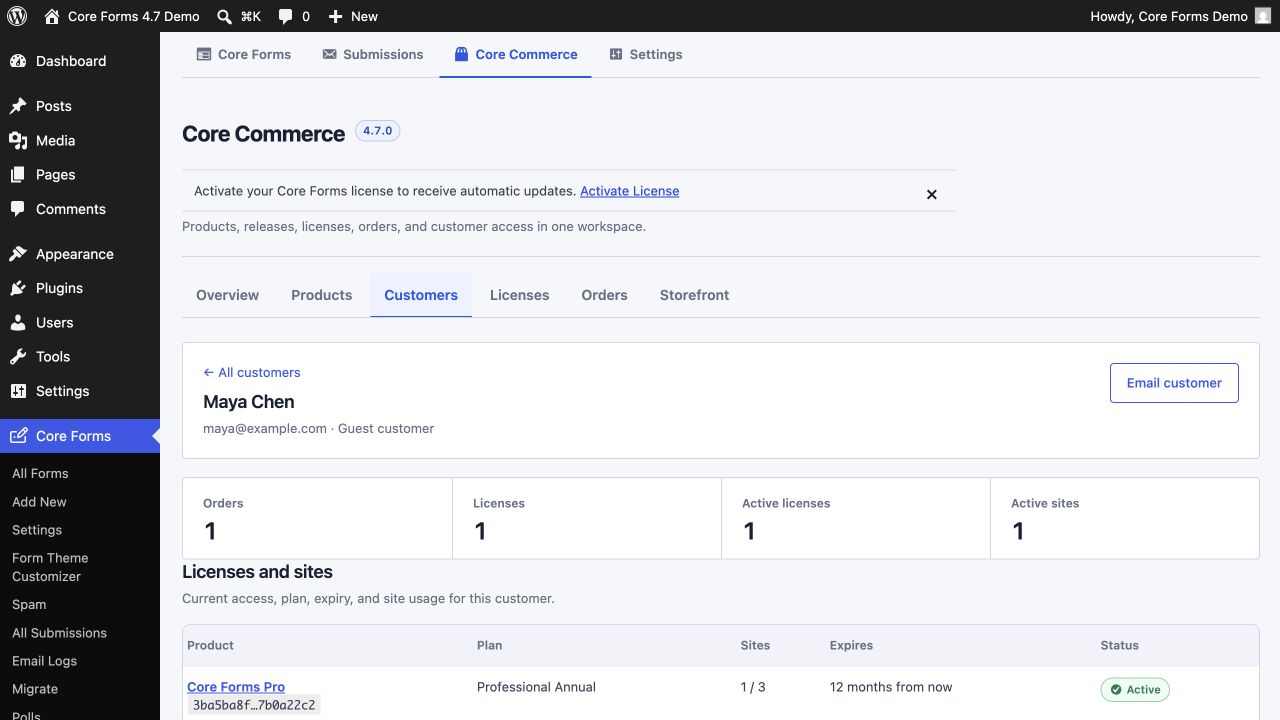
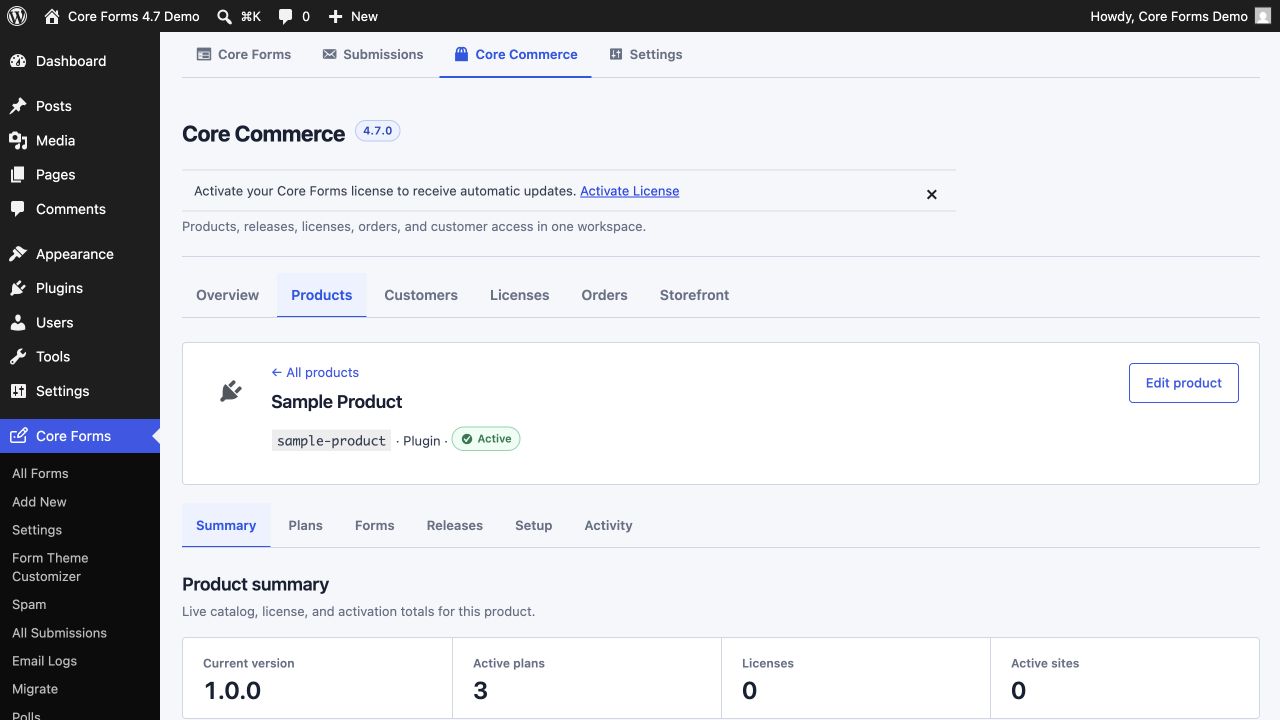
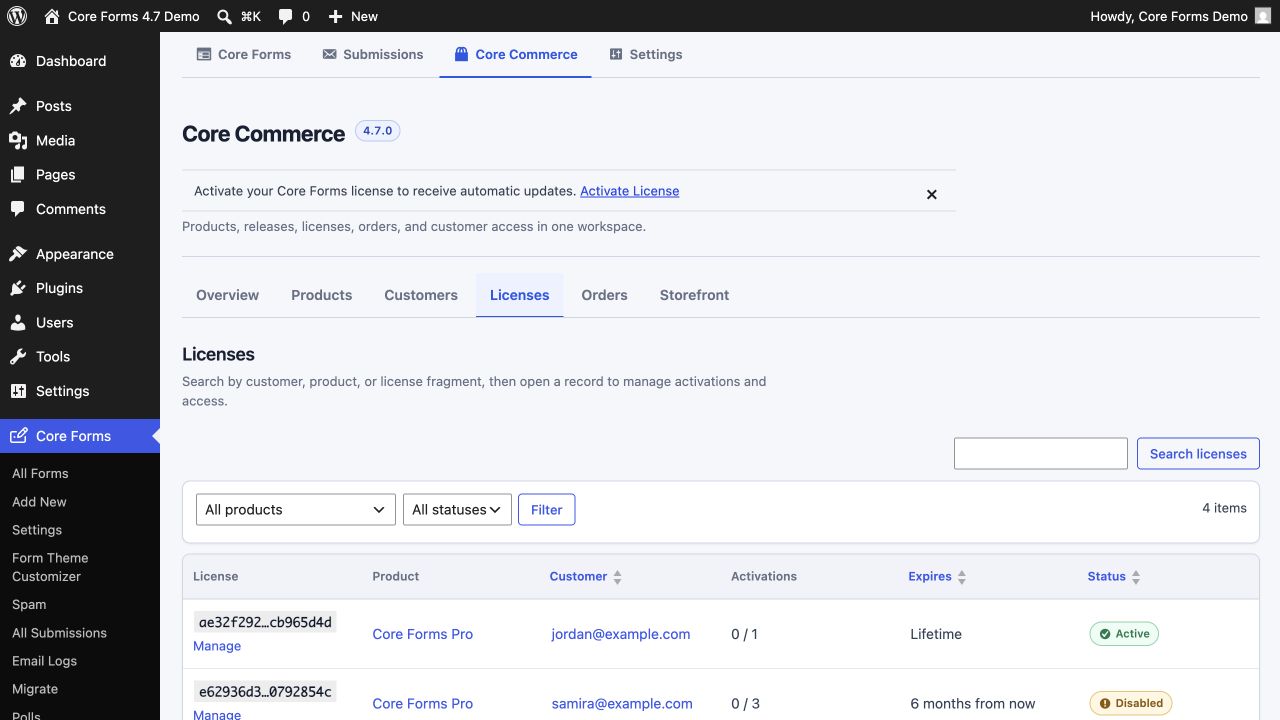
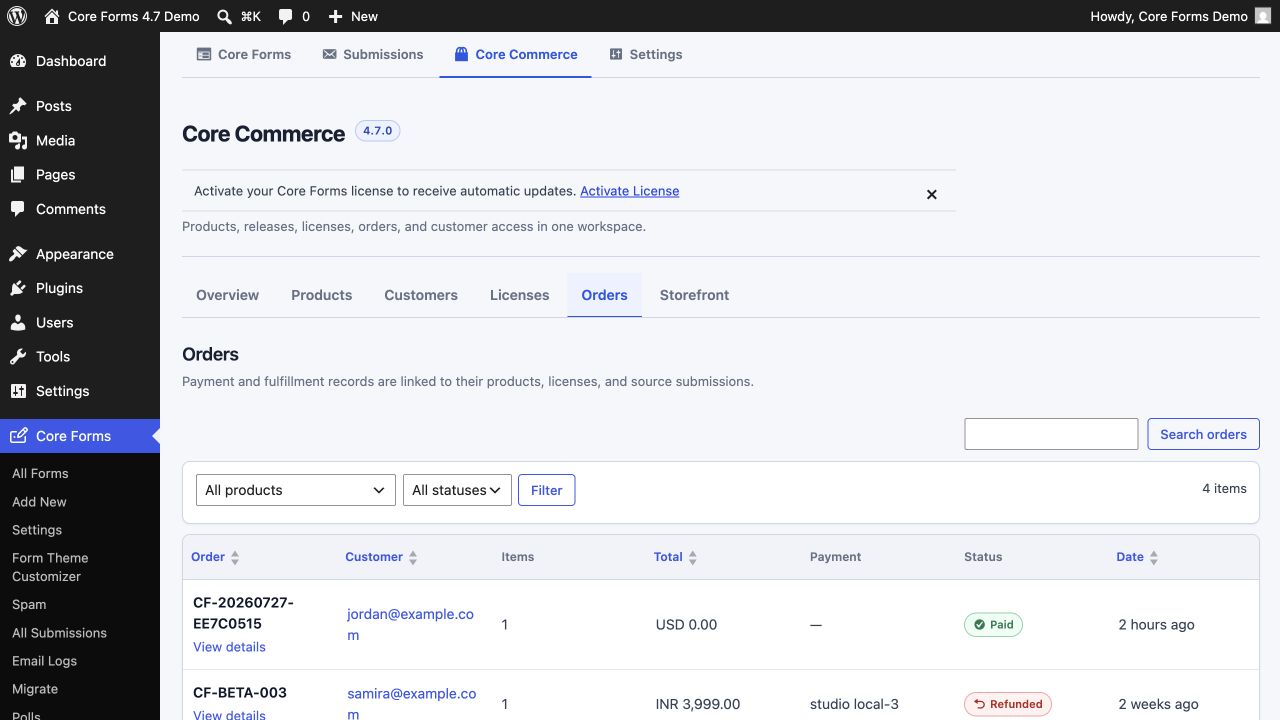
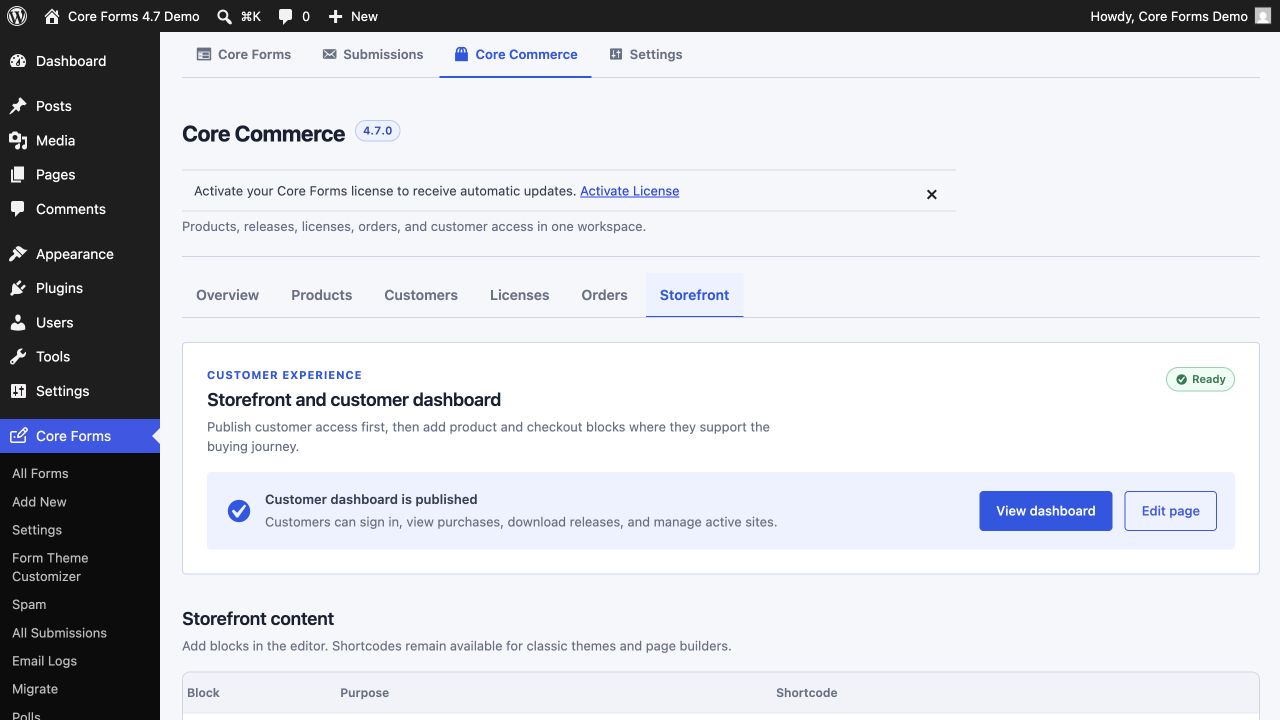
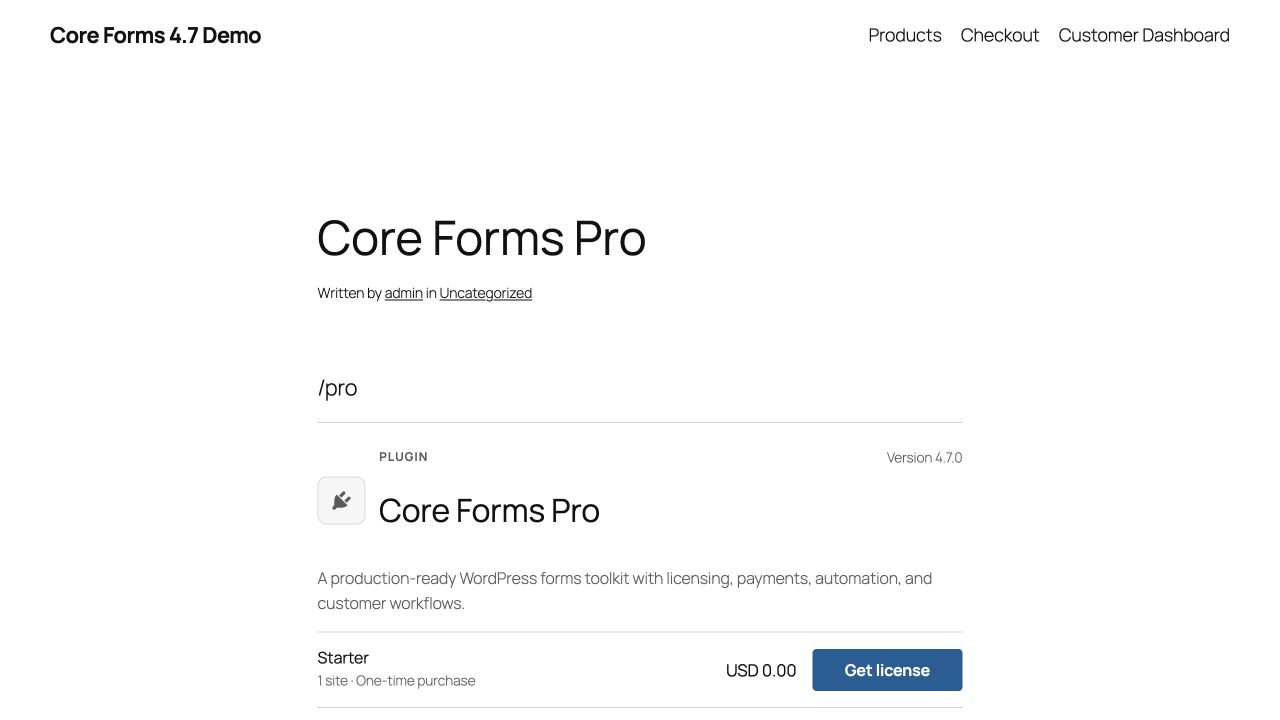
Products, customers, licenses, orders, activated sites, and storefront publishing share one operational workspace. Screenshots use fictional example.com customer records.
On the frontend
The live stylesheet generated by the Form Theme Customizer applies to standalone forms and embedded forms with the same labels, help text, fields, checkboxes, focus, and buttons.

The Block Editor experience
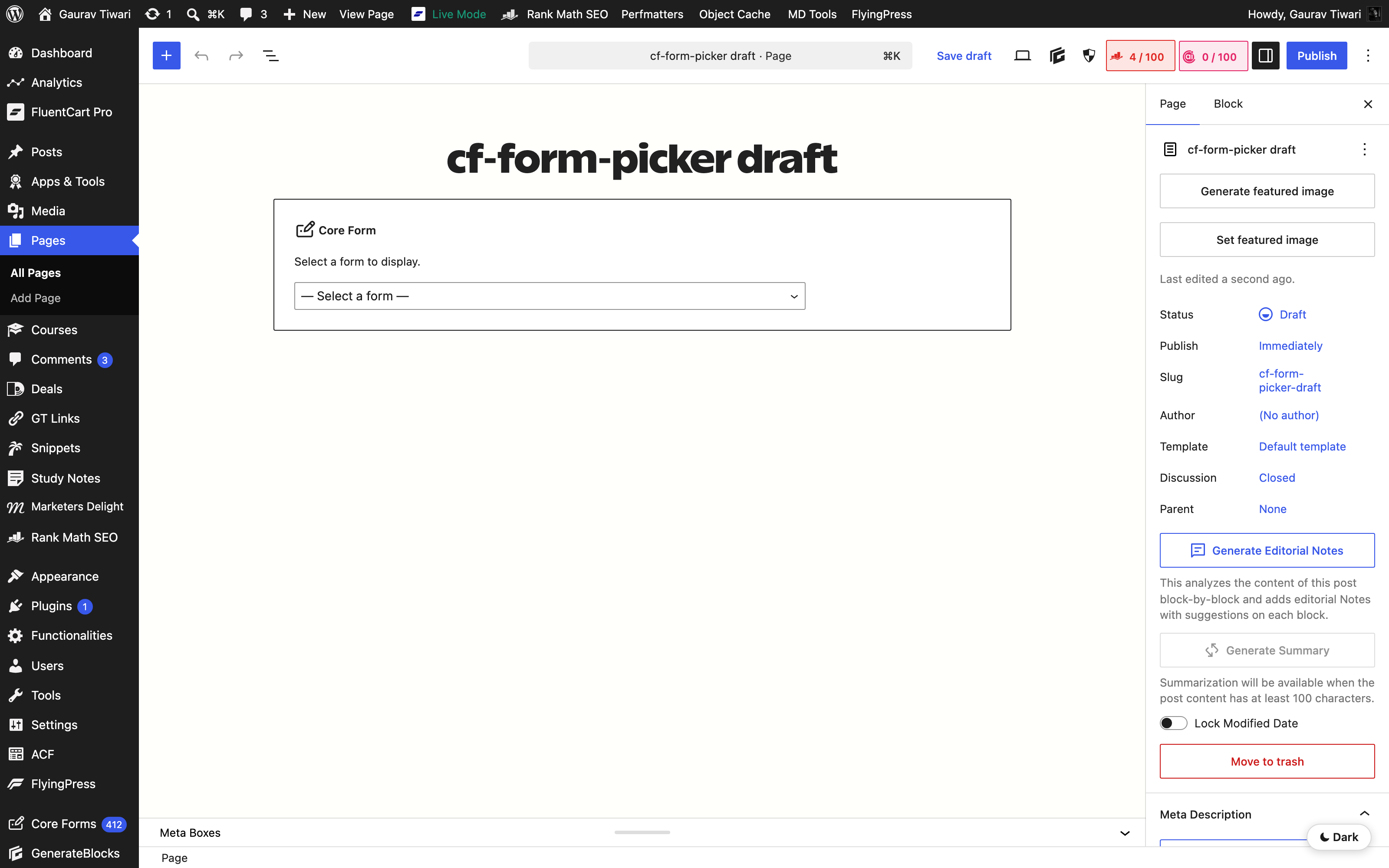
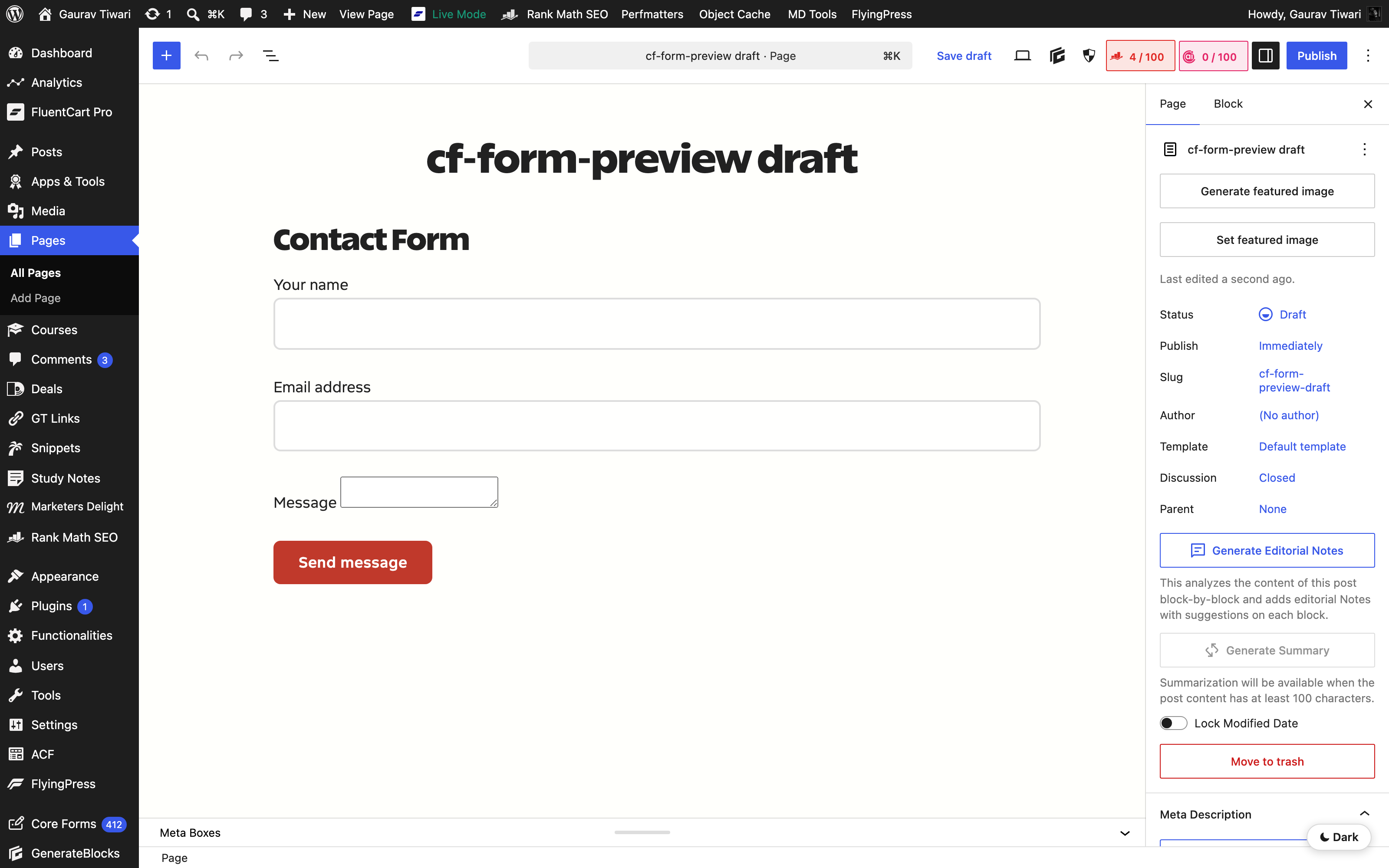
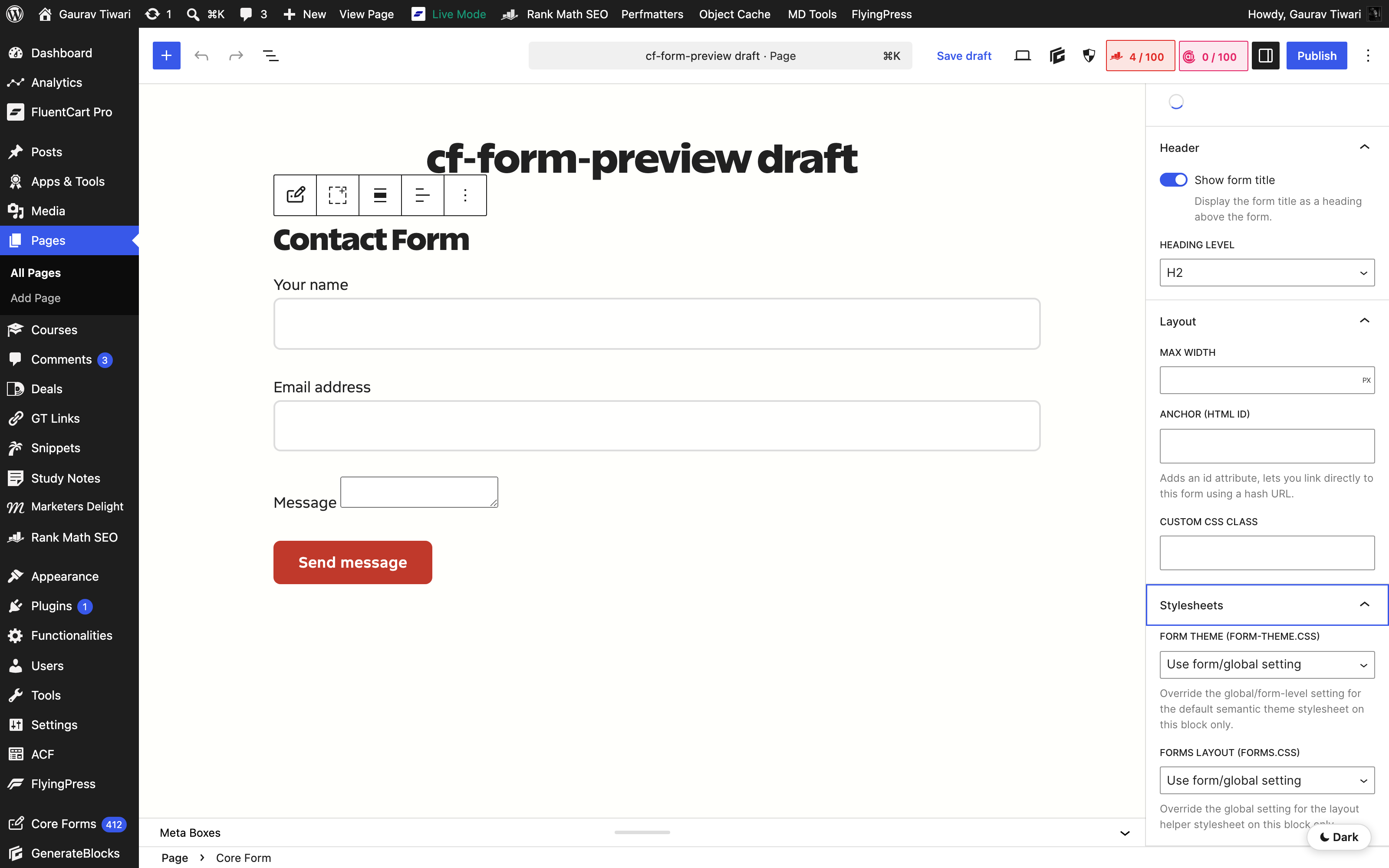
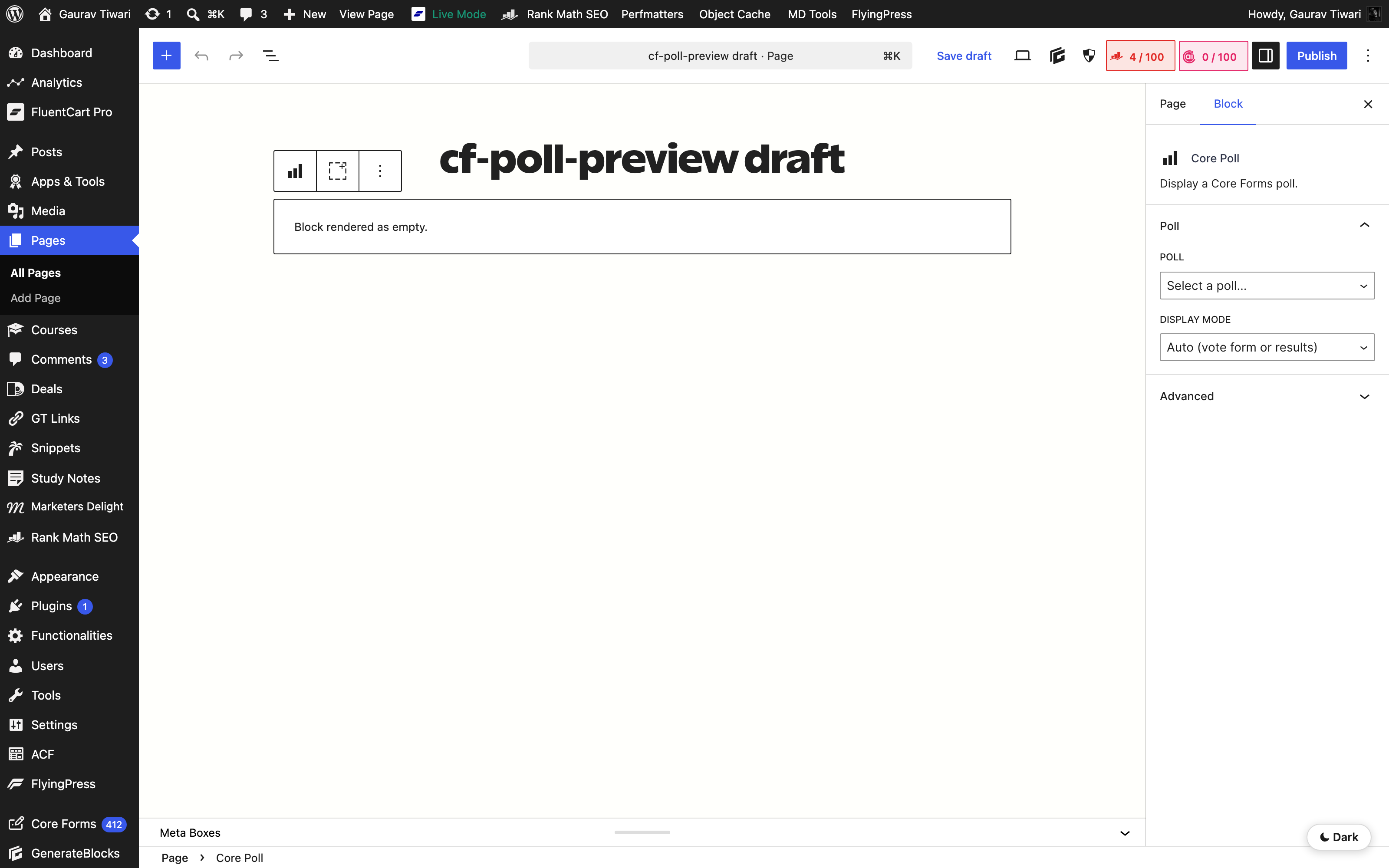
Prefer blocks in the Block Editor: select the form, poll, product, plan, price, buy button, checkout, or customer dashboard and preview it before publishing.
Try the live demo.
Every screenshot here is from a real site. The same forms, the same admin, the same plugin. Tap a button and try it yourself.